 Getting Started
How to use DAD
From install to automatic downloads in minutes. Here's everything you need to get DAD running at the track.
Getting Started
From install to automatic downloads in minutes. Here's everything you need to get DAD running at the track.
Get DAD from the download page — pick Windows or Mac. Windows: run DAD.exe, the installer. Windows shows a one-time SmartScreen prompt for new publishers: click "More info" then "Run anyway". Setup installs for your user account only, so there's no admin password to chase. Mac: open the .dmg, drag DAD into Applications and open it from there. Click "Open" on the first-launch prompt, and "Allow" when macOS asks to find devices on your local network.
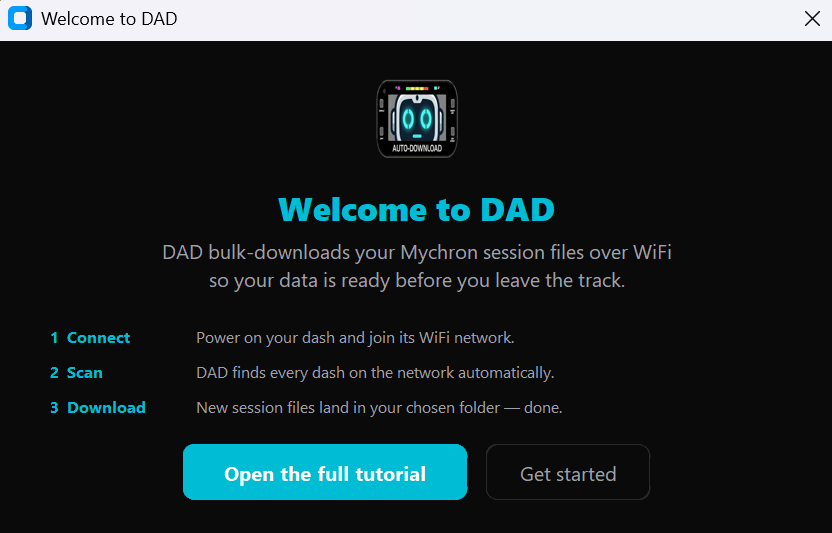
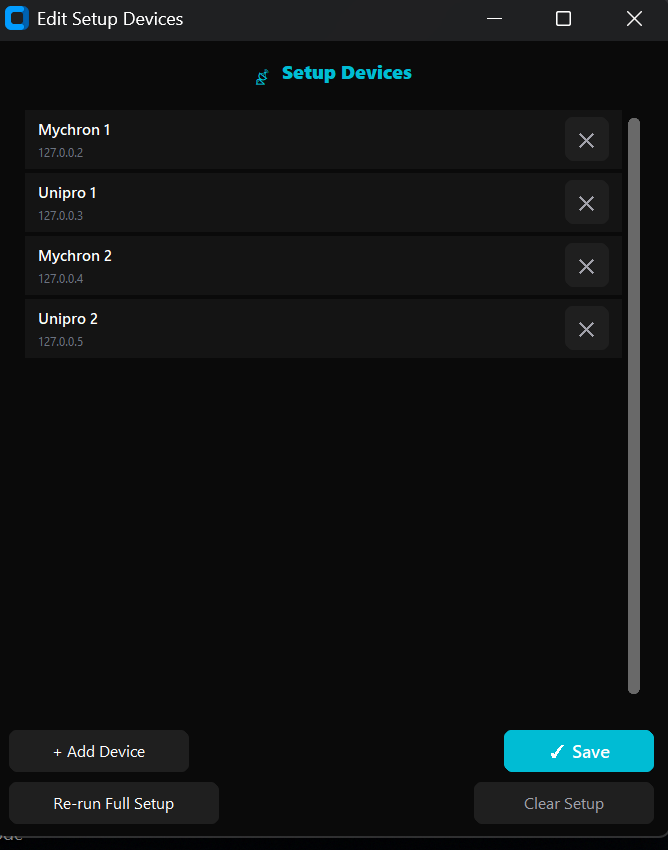
Turn your dashes on, then click Run Setup on the banner. DAD scans the network, shows every dash it finds, and you tick the ones that belong to this laptop and name each driver.
Click Scan Network. DAD sweeps the subnet and connects to every Mychron or Unipro dash it finds. Within seconds your device sidebar populates with a roster of connected dashes.
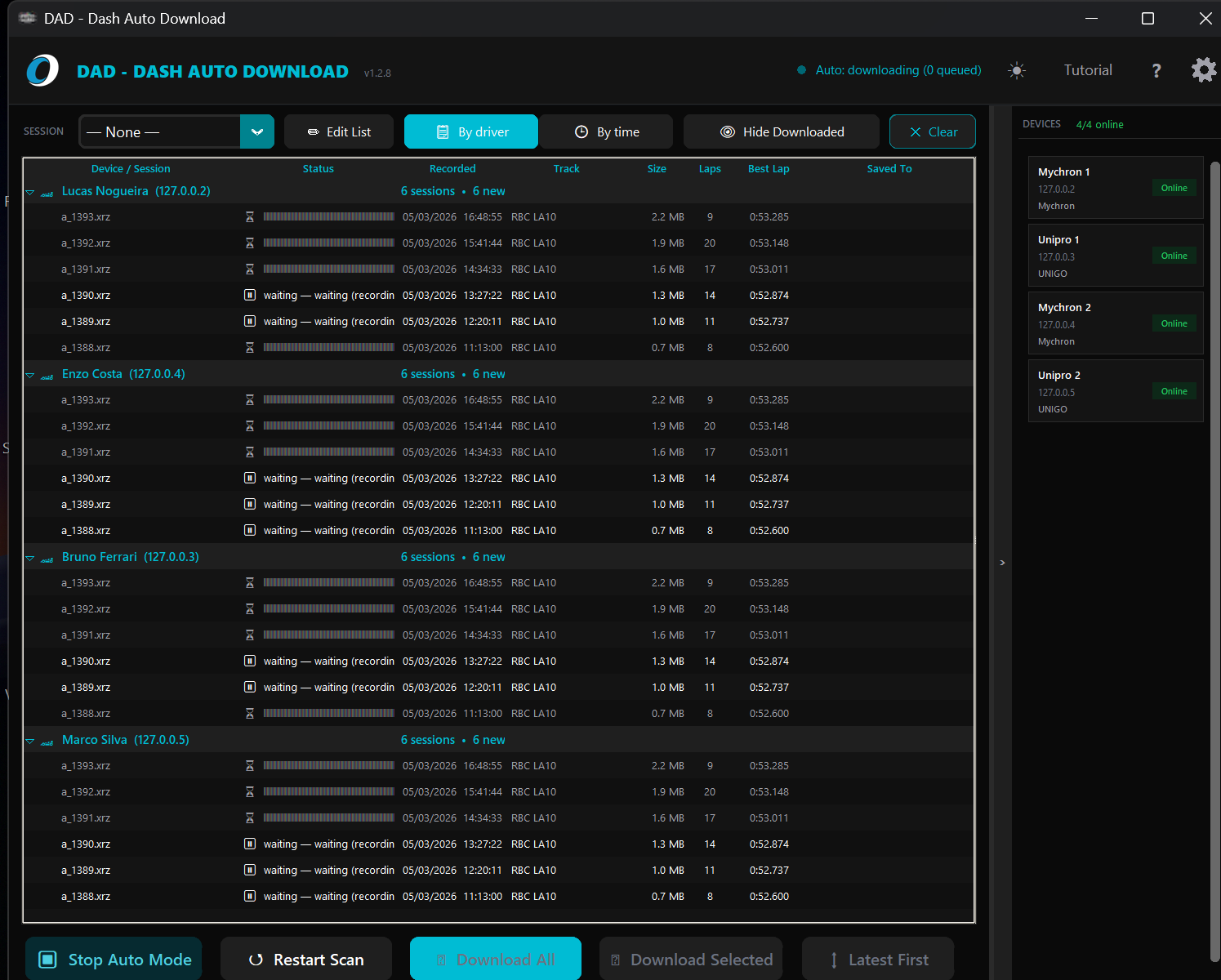
Select a dash (or select all) and click Download. The session tree fills in with progress bars as files transfer. DAD skips anything it's already pulled, so you only wait for new sessions.
.xrk — Race Studio 3 readyToggle Auto Mode on and DAD runs continuously in the background. Every time a dash powers on and connects to WiFi, DAD spots it, fetches the session list, and downloads anything new — no clicking required.
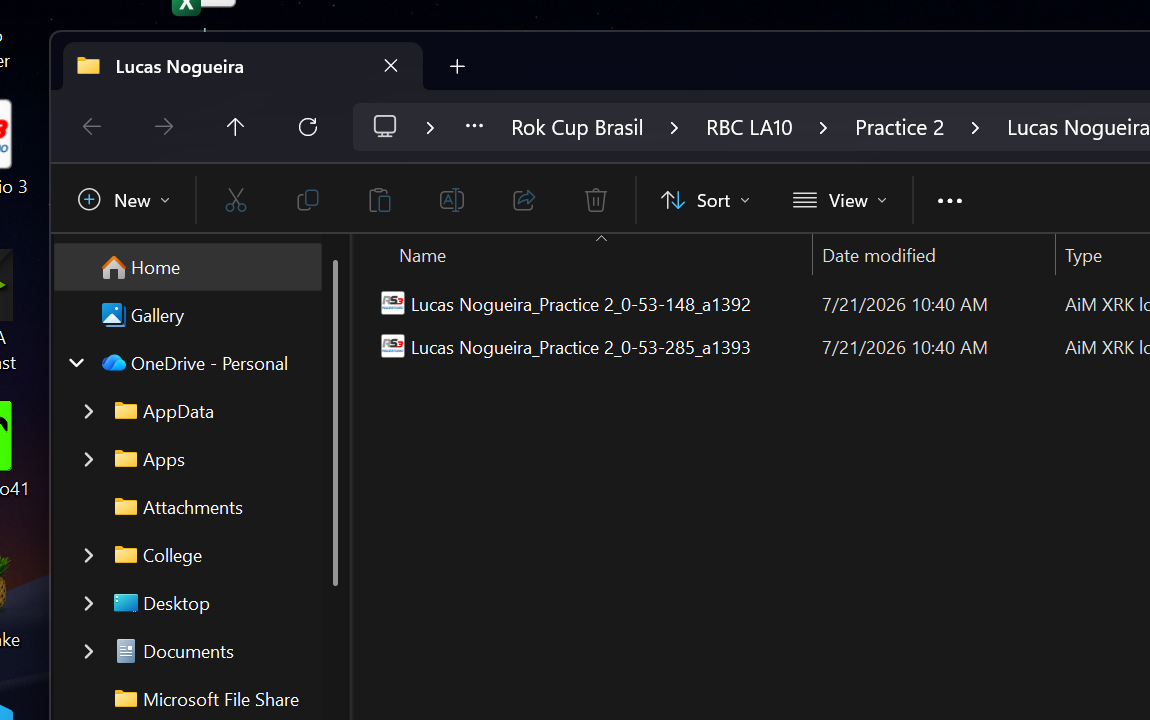
Click Open output folder (or navigate to your chosen save directory). Your sessions are there, organized in tidy folders. Drag any .xrk file straight into Race Studio 3 — no conversion needed.
The quick start above gets you downloading. This is the full reference — pick a tab to see how each part of DAD works.
On first launch DAD shows a Setup Required banner. Run Setup scans your network, then lets you tick the dashes that belong to this laptop and name the driver on each one.
Scan Network sweeps your subnet and speaks the dash's own protocol to each address that answers — so it only lists real dashes, not random devices.
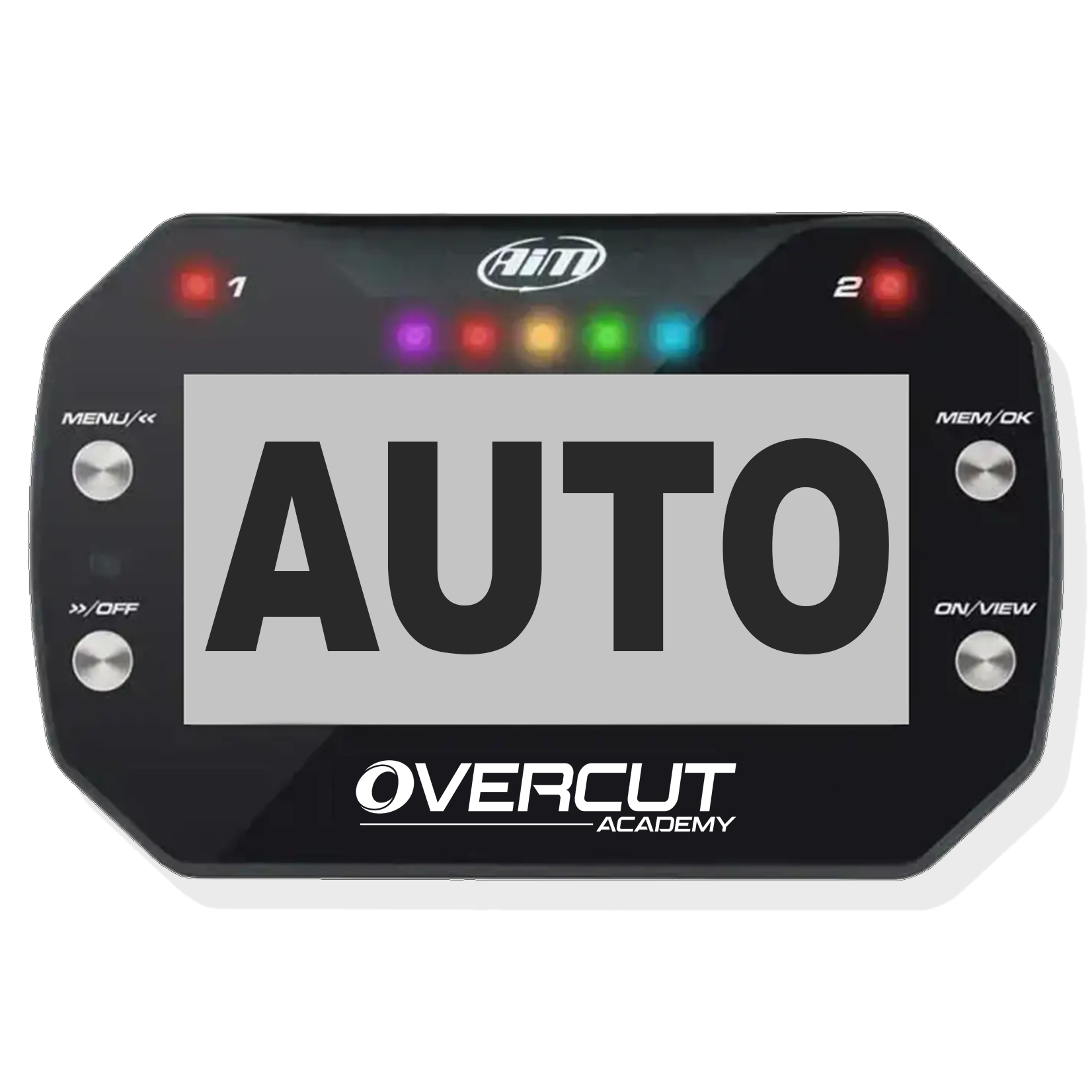
Hit Auto Mode and DAD loops continuously: ping your dashes, sweep for new ones, fetch session lists, download anything new. Karts roll in from track, data appears on the laptop.
Prefer to drive? Download All pulls everything new from every dash, and Download Selected pulls just the sessions you've ticked.
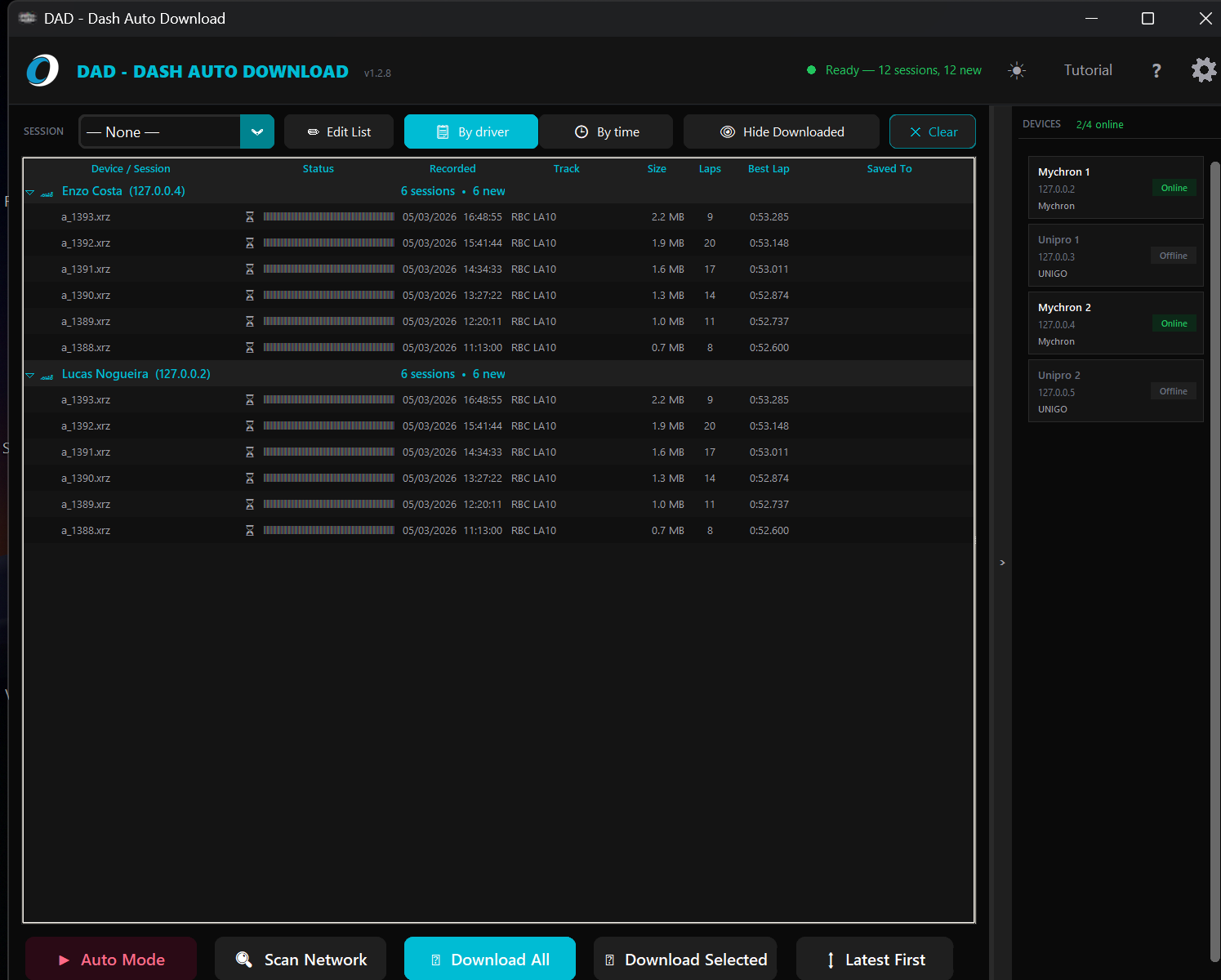
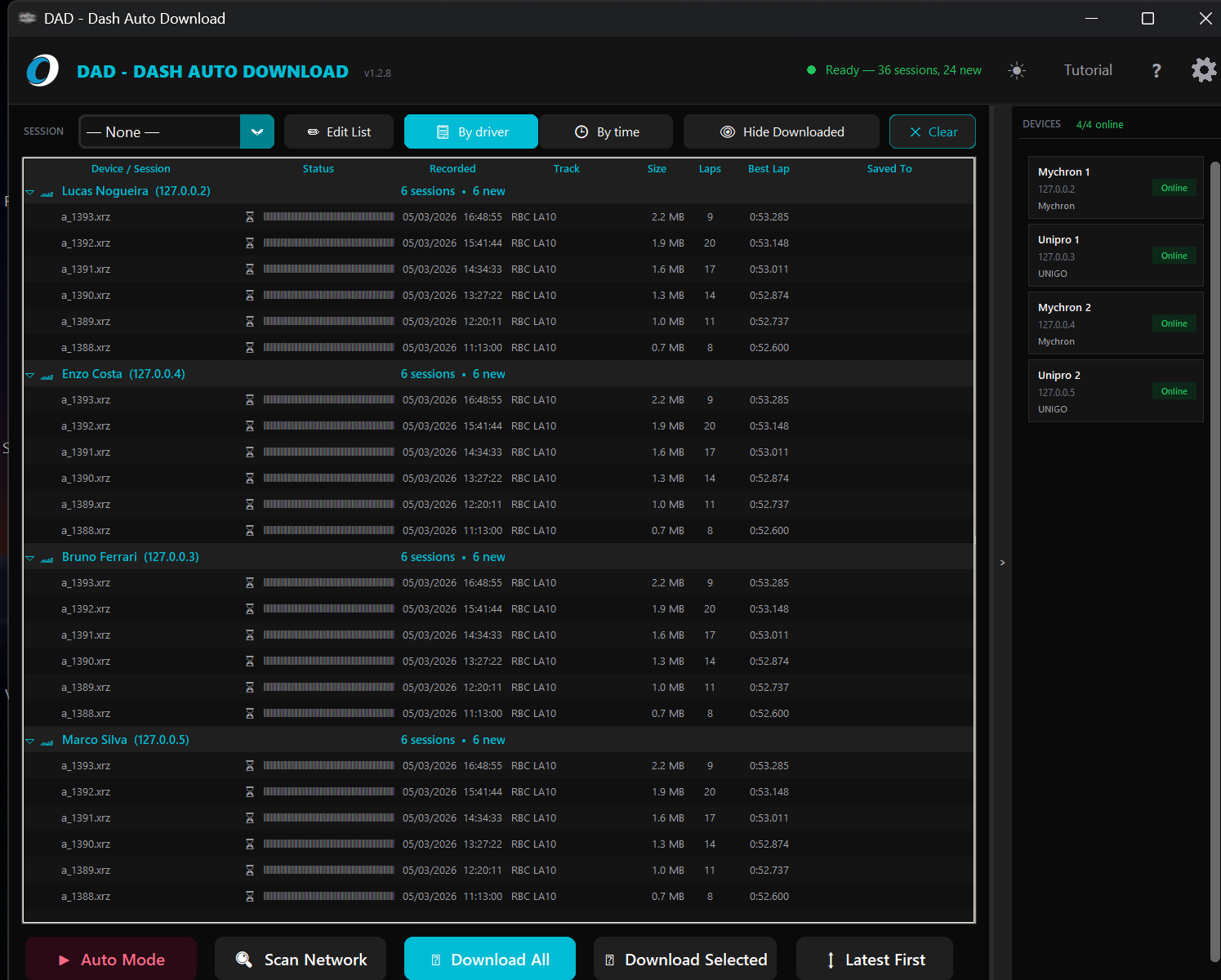
.xrk on save — they open directly in Race Studio 3The main table lists every session on every dash with status, recorded time, laps, track, size, and best lap. Two grouping modes flip the view to match how you think.
The right-hand panel is a live roster of your dashes with an X/Y online counter. Each row shows driver name, IP, dash type, and a status badge.
Everything lives in the settings panel and persists per laptop, so the track machine keeps its own configuration.
Activate with the key from your confirmation email on first launch. After that the license quietly re-verifies in the background — nothing to manage at the track.
Make sure the dash and your laptop are on the same WiFi network. The dash needs to show a valid IP on its WiFi settings screen, and the laptop must be connected to the same access point.
Also check that your firewall isn't blocking port 2000 (the STCP protocol port DAD uses). Add an inbound exception for DAD in Windows Defender Firewall if needed.
If you're on a corporate or managed WiFi that blocks device-to-device traffic, switch to a dedicated hotspot or router.
The Mychron firmware only supports one active STCP connection at a time. If a previous download was interrupted (or two scans hit the same dash simultaneously), that slot can be left wedged.
Fix: Power-cycle the dash (turn it off and back on). DAD will reconnect and pick up where it left off on the next scan.
In Auto mode, DAD is careful to serialize downloads per dash — but if you ran a manual scan at the same time, restart the dash to clear the slot.
Your key is always recoverable. Visit the Recover your key page, enter the email you subscribed with, and your key will be re-sent instantly.
For deactivating an old machine and activating a new one, use the same recover-key page or contact the team — we'll sort it quickly.
No. DAD keeps a local download history and skips any session it has already pulled. If you need to force a re-download (e.g. after moving your output folder), delete download_history.json from the app's data folder or use the CLI's --force flag.
DAD is a small independent tool, so it doesn't yet carry the paid code-signing certificate that tells Windows who published it. That means new versions start with no reputation and can trigger a SmartScreen prompt, or occasionally an antivirus warning — even though the file is clean.
On the SmartScreen prompt, click More info then Run anyway. If your antivirus quarantines the download, restore it from quarantine and, if you'd like, tell us which product flagged it — we report false positives to the vendors directly, which is how the last one was cleared.
Versions before 1.4 were a single program file you saved yourself rather than a proper install, so Setup can't remove those copies for you. After installing, DAD checks your Desktop, Documents and Downloads folders and shows you the exact paths of any older copies it finds — delete those so nobody opens an out-of-date version by mistake.
If you kept a copy somewhere else (a USB stick, a custom folder), you'll need to find that one yourself. From 1.4 onwards every update installs over the previous version automatically, so this is a one-time tidy-up. Your settings, dash list, download history and licence are stored separately and are never touched.
Reach the team any time at the contact page — we're happy to help with setup, network configuration, or anything else.
Get DAD running on your pit-lane laptop and never walk dash to dash with a cable again.